Branding & templates
Logos, covers, and message templates.
Updated October 3, 2026
Brand Center is where you tell Mojo Gift how to render your company's gift cards and emails. Four areas can be customised: the colour palette, the logo, the email templates recipients receive, and the gift card design itself. Everything lives at /gift-cards/corporate/branding under the Customize sidebar group.
You do not need to use Brand Center. The portal ships with a generic Mojo Gift visual identity that works fine out of the box. Brand Center is for companies that want recipients to see their own colours and logo on the gift card and the surrounding email.
The four tabs
Brand Center has four tabs across the top, in this order:
| Tab | What it controls |
|---|---|
| Brand Colors | The three-colour palette applied to gift cards, emails, and recipient experiences. |
| Logo | The company logo printed on gift cards and email headers. |
| Email Templates | The body copy and styling of the welcome, gift notification, and reminder emails. |
| Gift Cards | The visual design of the digital gift card itself, with a choice of four templates. |
Each tab is independent. You can configure all four or just one. Changes take effect immediately on subsequent gifts; previously sent gifts keep the design they were issued with.
Brand Colors
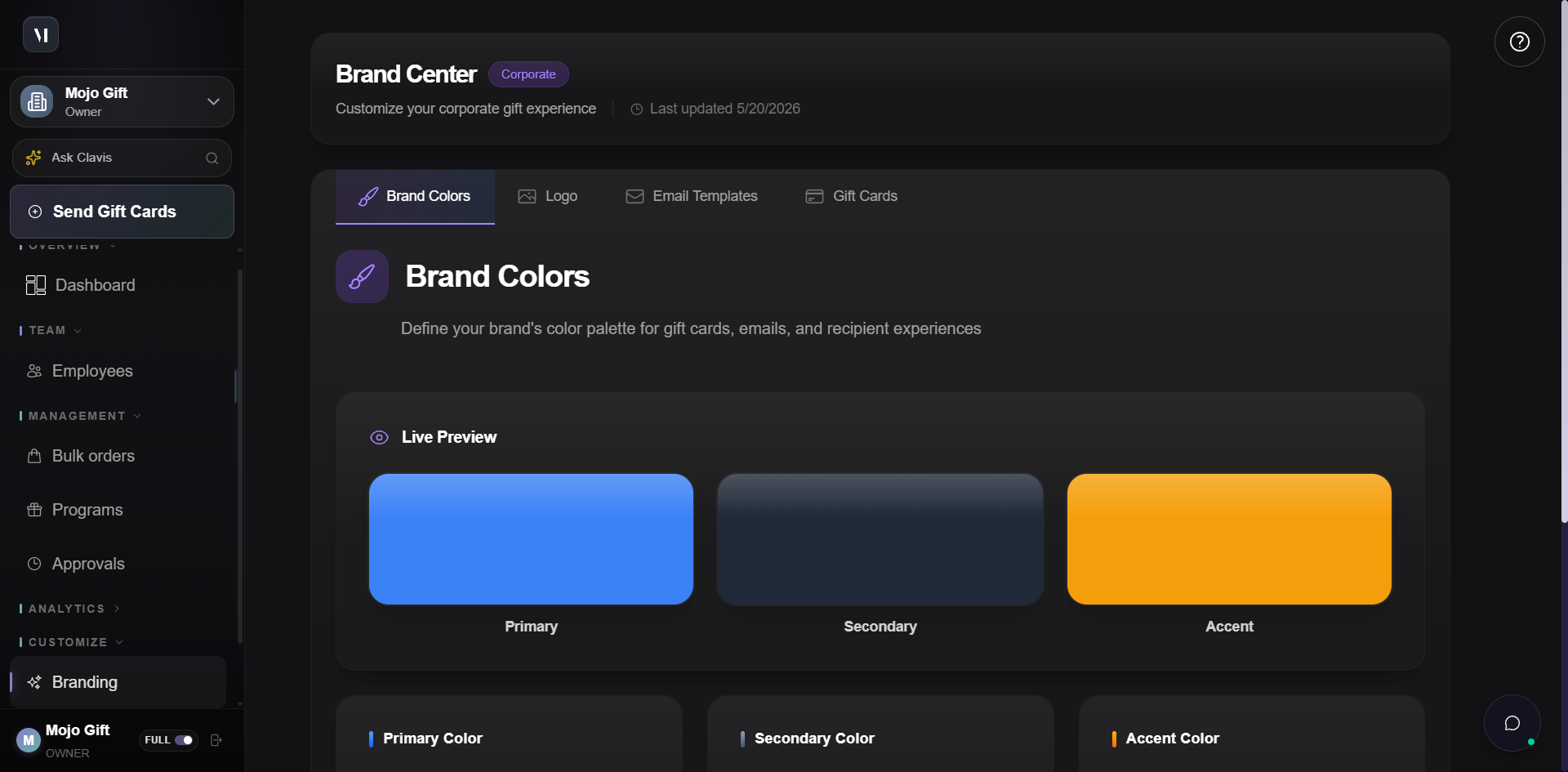
Three colour roles drive everything else: Primary, Secondary, and Accent.
| Role | What it shows up on |
|---|---|
| Primary | Buttons, highlights, the main call-to-action in emails. |
| Secondary | Text and backgrounds. The dominant tone for the body of emails and the framing on the card. |
| Accent | Special elements: badges, dividers, the small flourishes that make the brand feel like the brand. |
Each input takes a hex code (without the leading #). The live preview updates immediately. Save Colors commits the change to the account.
Logo
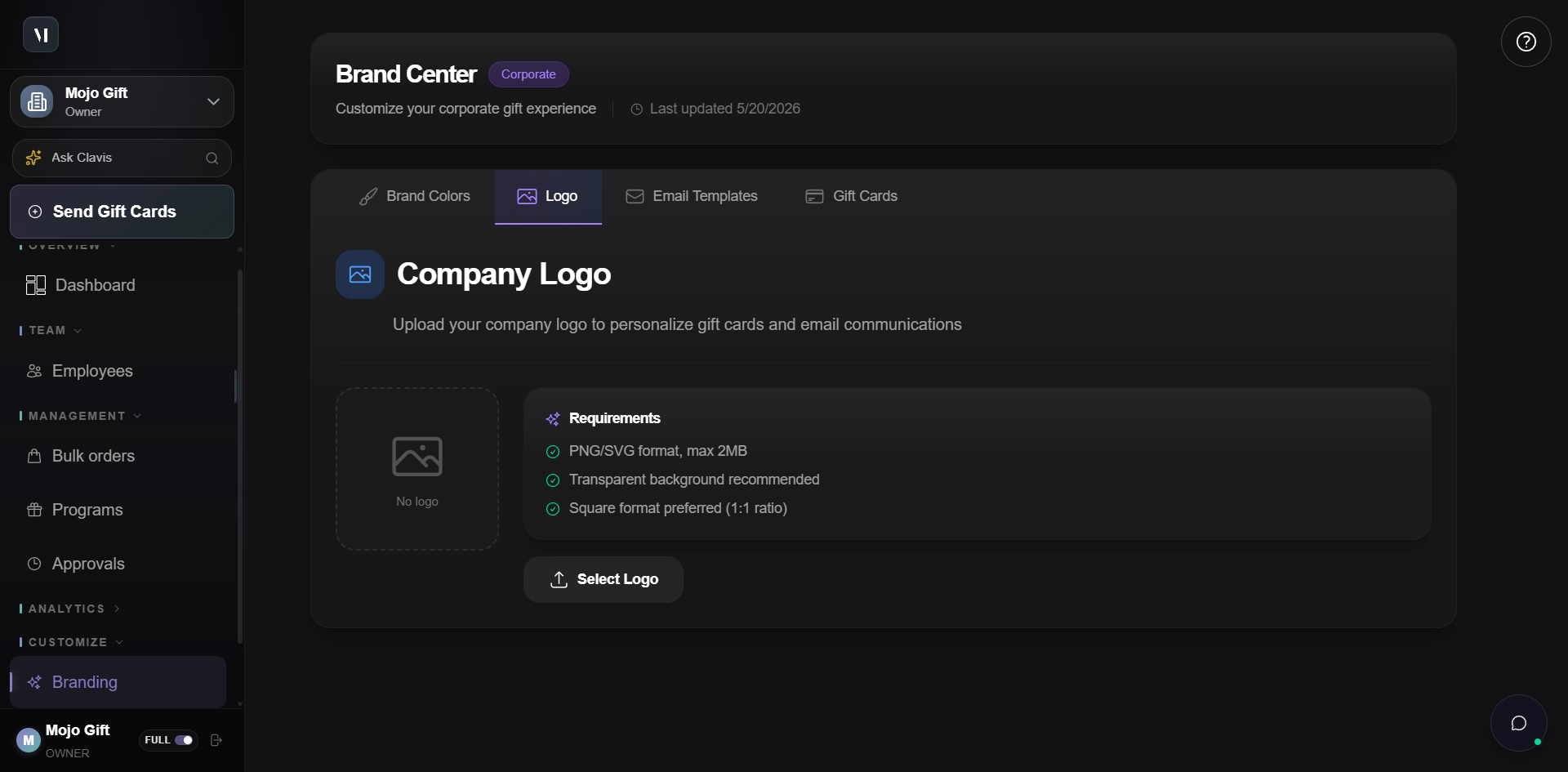
The Logo tab uploads the artwork that ends up on gift cards and email headers.
The hard requirements:
- Format: PNG or SVG. JPEG is rejected because gift cards need transparency to layer over template backgrounds.
- File size: 2 MB or less.
- Background: Transparent is strongly recommended. A logo with a solid background will show that background on the gift card.
- Aspect ratio: 1:1 (square) is preferred. Tall or wide logos get letterboxed at render time.
Click Select Logo to open the file picker. After upload, a preview replaces the empty drop zone and you can replace or remove the logo from the same panel.
Email Templates
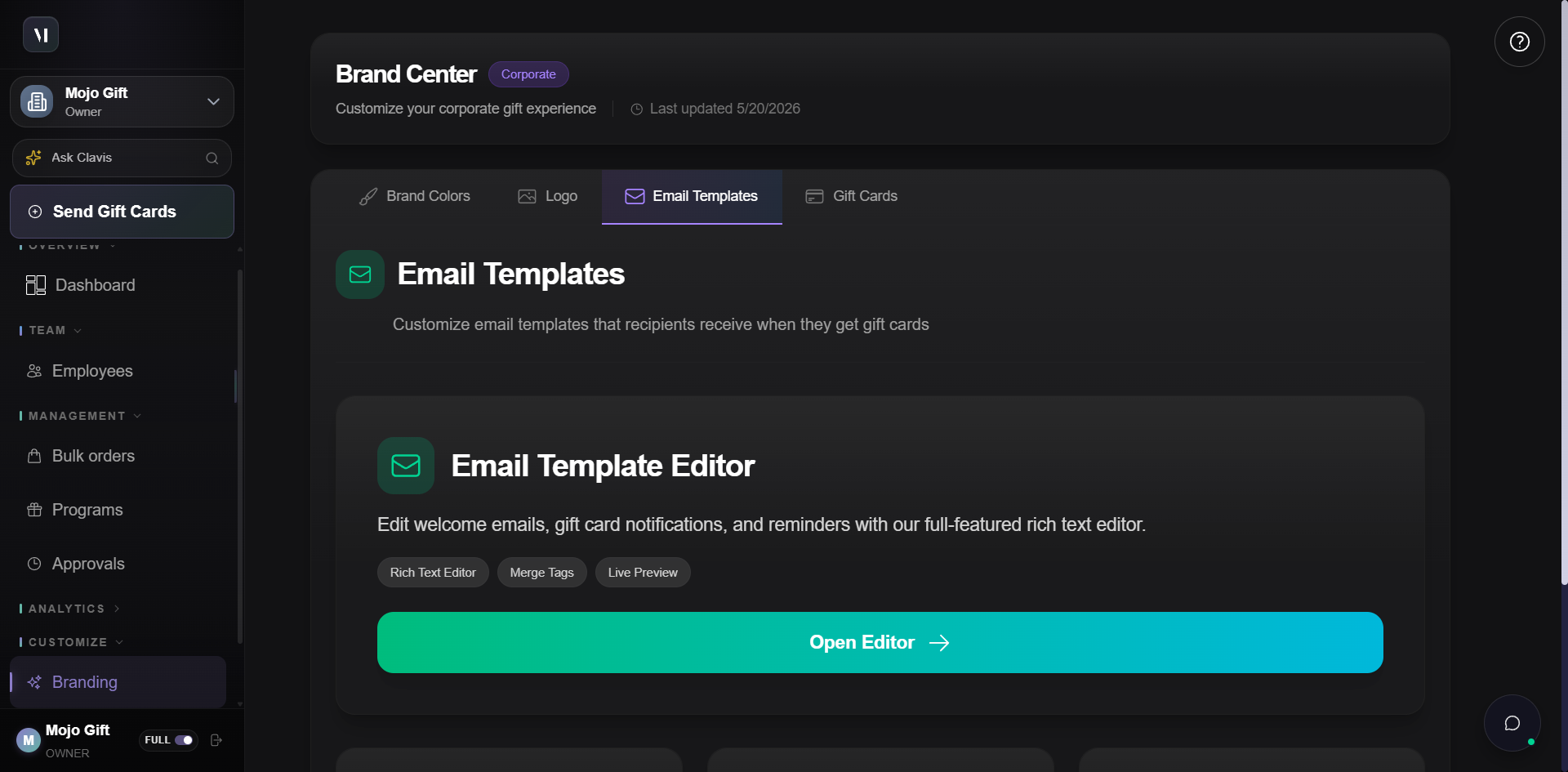
Three transactional emails reach recipients. Each is editable.
| Template | When it sends |
|---|---|
| Welcome Email | When a new employee joins your company directory. |
| Gift Notification | When a gift card is issued to a recipient. The most important of the three. |
| Reminder Email | When a gift remains unclaimed past its reminder threshold. |
The editor itself supports:
- Rich text formatting. Headings, lists, links, images.
- Merge tags. Placeholders that get substituted at send time. For example,
{{recipient.firstName}},{{company.name}},{{giftCard.tier}}. - Live preview. The right side of the editor renders the template as the recipient will see it.
Saved templates apply to every subsequent send. Already-queued emails keep the template they were drafted with.
Gift Card Design
The Gift Cards tab controls the visual design of the gift card itself, the rectangle with your branding that recipients see when they open the email.
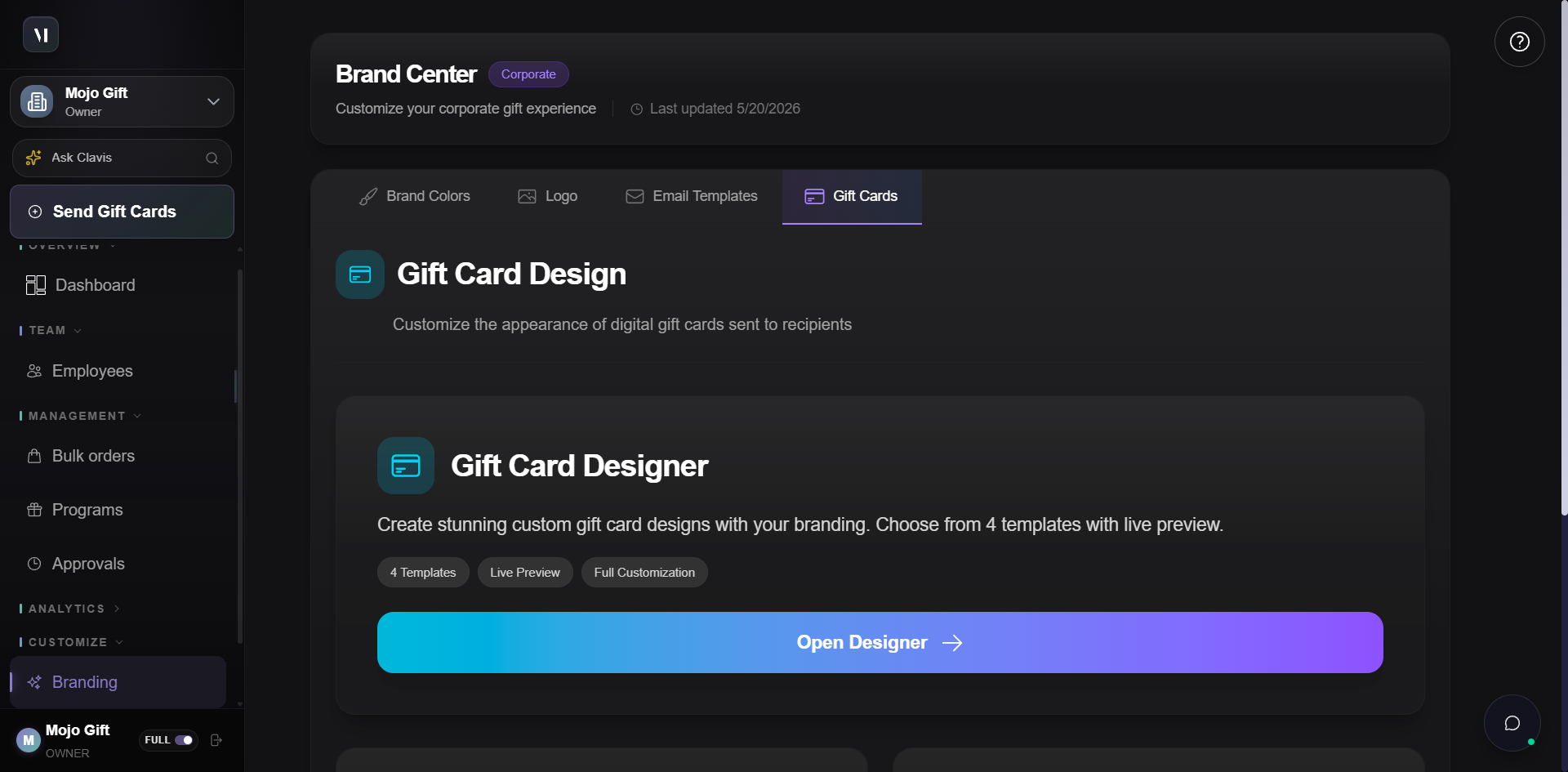
The four bundled templates set the overall mood:
| Template | Aesthetic |
|---|---|
| Classic | Traditional, elegant. Serif headings, restrained palette, formal feel. |
| Modern | Contemporary, bold. Sans-serif, larger type, confident colour blocks. |
| Minimal | Clean, simple. White space dominates, the brand colours are the only flourish. |
| Premium | Luxury, gradient. Rich colour transitions, gold accents, the most ornate of the four. |
Open Designer drops you into a live editor where you can:
- Pick a template as the starting point.
- Adjust colours, borders, and backgrounds.
- Change text styles and logo placement.
- Watch the live preview update with every change.
You can save a custom variant per gift program if a particular campaign needs a different look. Otherwise the design here is the default for every gift the company sends.
What's next
- Programs covers per-program override of branding when one campaign needs its own look.
- Placing an order shows where the cover image is picked at order time on top of your branded card.