Redeeming a gift card
How to enter a card code and link it to your account.
Updated October 3, 2026
If someone has sent you a Mojo Gift card, this page covers how to enter the code so the card lands in your wallet. Two paths get you there: redeem before signing up, or redeem from the wallet after you sign in. Both end with the same result. The card is attached to your account, the tier shows up in your wallet, and you can start booking.
Before you have an account
If you do not have a Mojo Gift account yet, the fastest path is the public welcome page at /redeem. Click GET STARTED in the left rail.
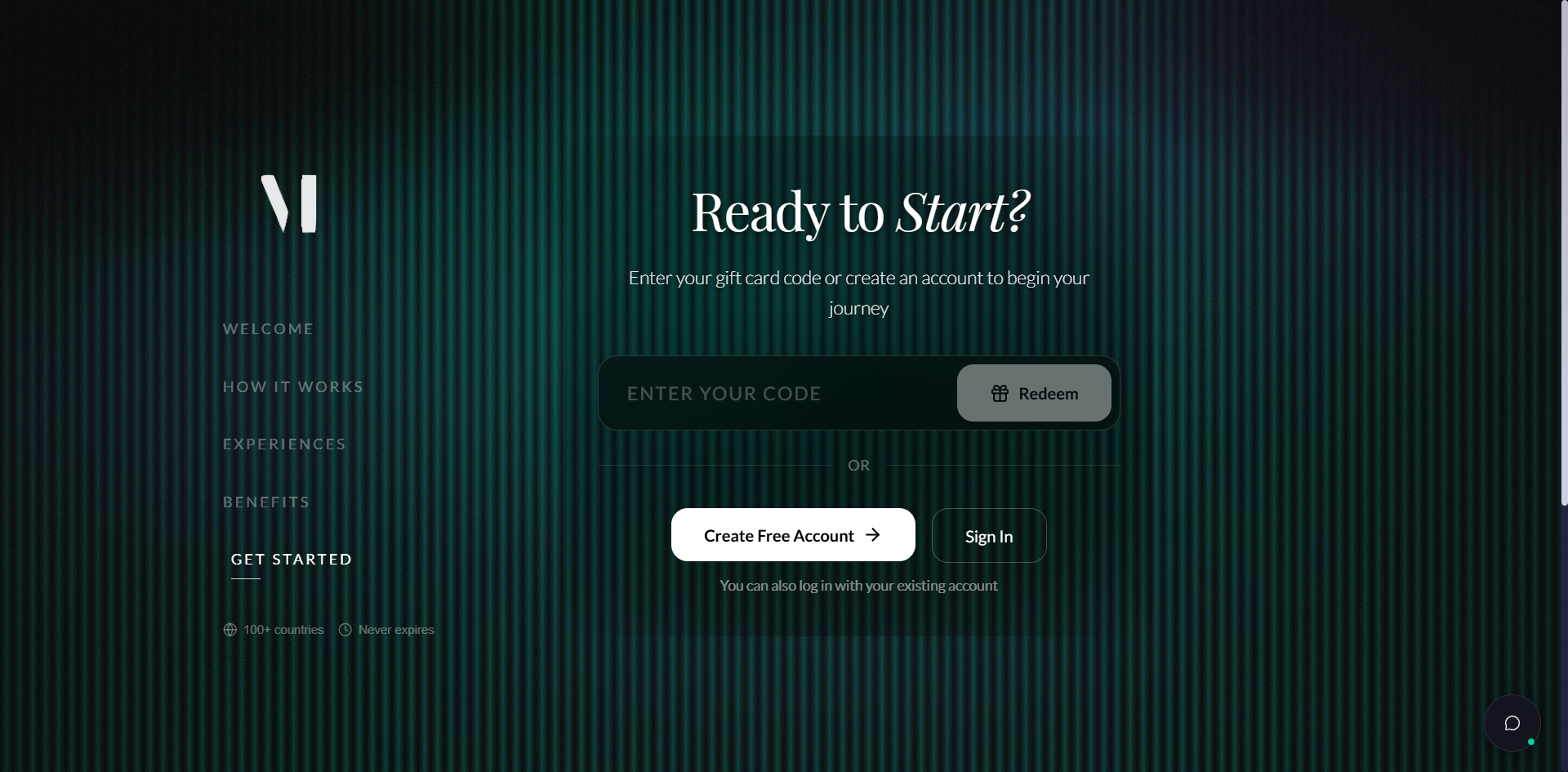
What happens next depends on whether the email on the gift card matches an existing account:
| Situation | What happens |
|---|---|
| The email on the card matches an existing account | You're prompted to sign in. After signing in, the card is attached. |
| No account exists for that email | You're sent through a short account-creation flow, then the card is attached. |
| The code is invalid or already redeemed | An error message appears. The card is not attached and no account is created. |
After you sign in
If you already have an account, sign in first and open your wallet. The code-redemption bar lives across the top of the wallet page.
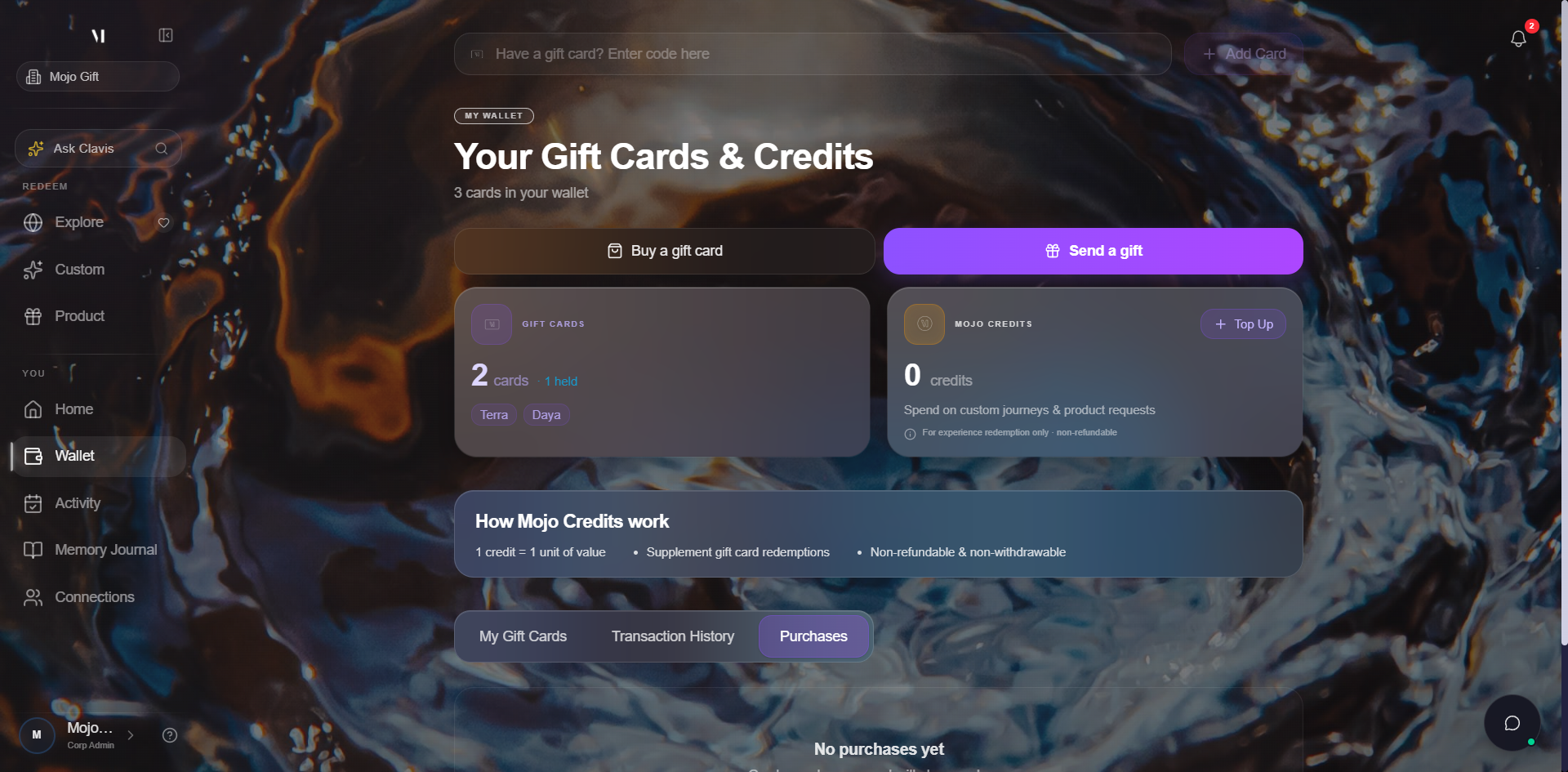
Two ways to add a code:
Type or paste the code into the bar. Codes are case insensitive and contain no spaces. Whatever the email used, that's the format to type.
Click Add Card. The button activates as soon as the input has text in it.
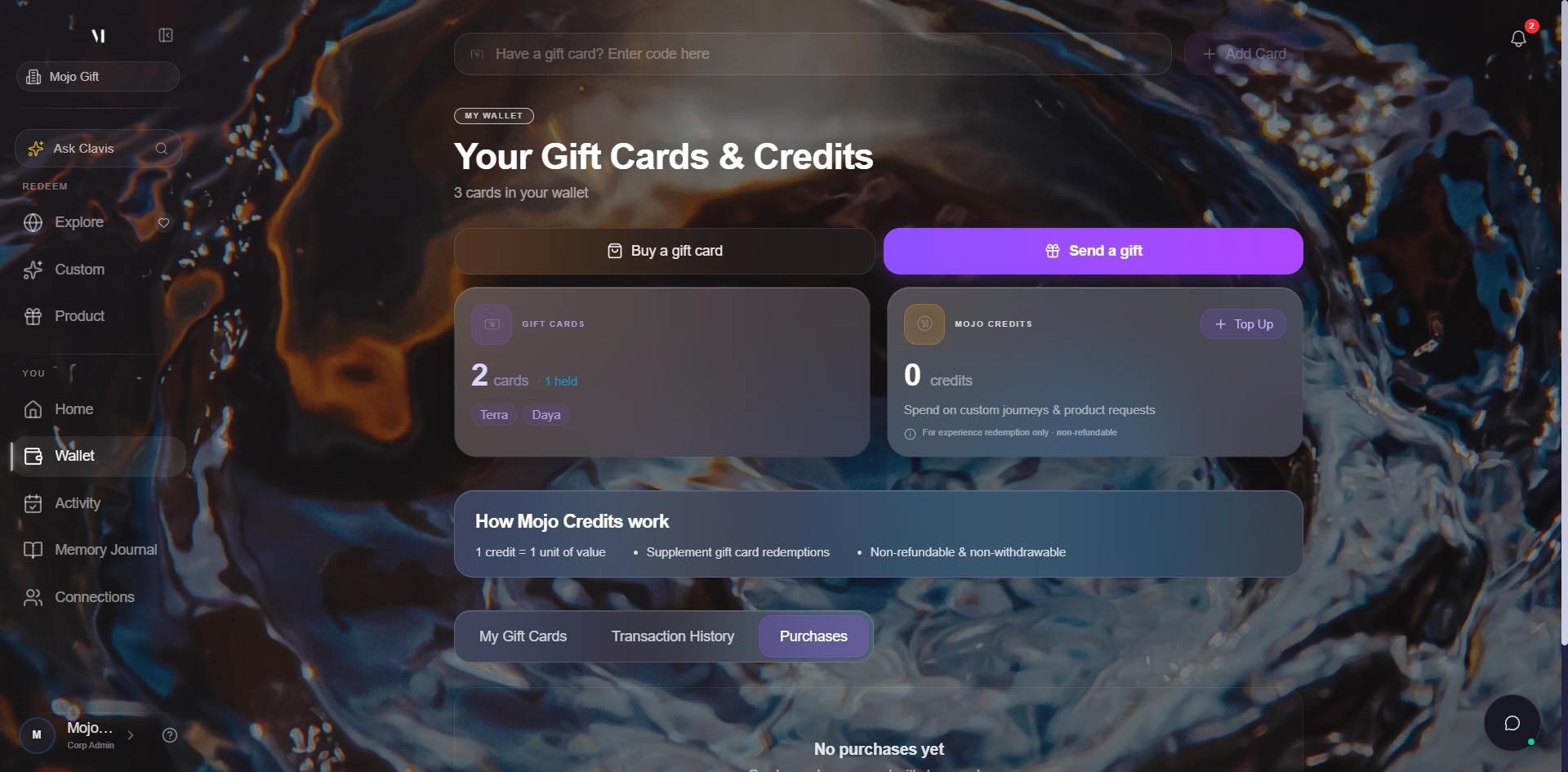
If the code is valid and tied to your email, the card is attached immediately and shows up in the carousel below.
What you'll see after redemption
A successful redeem changes your wallet in three places:
| Where | What changes |
|---|---|
| Cards count | Goes up by one. The tier chip list (Exora, Lunara, Terra, and others) updates to include the new tier. |
| Card carousel | The new card slides in. Its cover, tier name, sender, and date are visible on the front. |
| Activity | A "Card redeemed" entry appears in the Activity tab so you have a paper trail. |
The card stays on your account permanently. Every gift card in your wallet is yours to use.
If your card came without an explicit tier
Most cards arrive with a tier already assigned, and you'll see the tier name on your wallet right away. A small number arrive without an explicit tier. In that case Mojo Gift rounds up to the nearest tier so you always have at least the budget your sender intended.
For the full list of tiers and what each one typically unlocks, see Tiers explained.
Common issues
| Problem | What's happening |
|---|---|
| Code not working | Most often a typo. Codes are case insensitive but contain no spaces or dashes that aren't part of the original. Re-copy from the email. |
| Already redeemed | A code can only be linked to one account. If you redeemed it on a different account, sign in to that one. If you believe the code was redeemed by someone else, contact support. |
| Wrong account | Cards are tied to the email they were sent to. If you have multiple Mojo Gift accounts, the redeem only works on the account whose email matches. |
| Code expired | A small number of corporate gift cards have an expiry date set by the sender. After that date, the code stops working. Contact the sender if you think this is a mistake. |
What's next
- Your wallet walks through the full wallet view, including the cards carousel, transaction history, and credits.
- Tiers explained covers what each tier unlocks.
- Browse Experiences, Custom Experience, and Request a Product are the three ways you can put the card to use.