Custom Experience
A bespoke trip planned with Clavis and a concierge.
Updated October 3, 2026
Custom Experience is the bespoke mode. You describe what you'd like, Clavis listens and writes the brief as you go, and a human concierge takes it from there. This page covers how to open the page, what the screen layout means, and how a request reaches the concierge.
When to pick Custom Experience
Pick Custom Experience if:
- You have a clear idea but it's not in the curated catalog (a specific city, a particular style of trip, a special occasion)
- You want to use Mojo Credits alone without a gift card — Custom Experience accepts credits-only
- You want to combine a gift card with credits to stretch beyond the tier
You can also start it without a clear idea. Clavis is built to ask the right questions and pull a brief out of a vague intent.
Open the page
The page lives at /redeem?tab=custom-experience. It's reachable from the Custom quick link in the redeem sidebar, the Custom Experience card on the redeem home, and the Custom tab inside any redemption page.
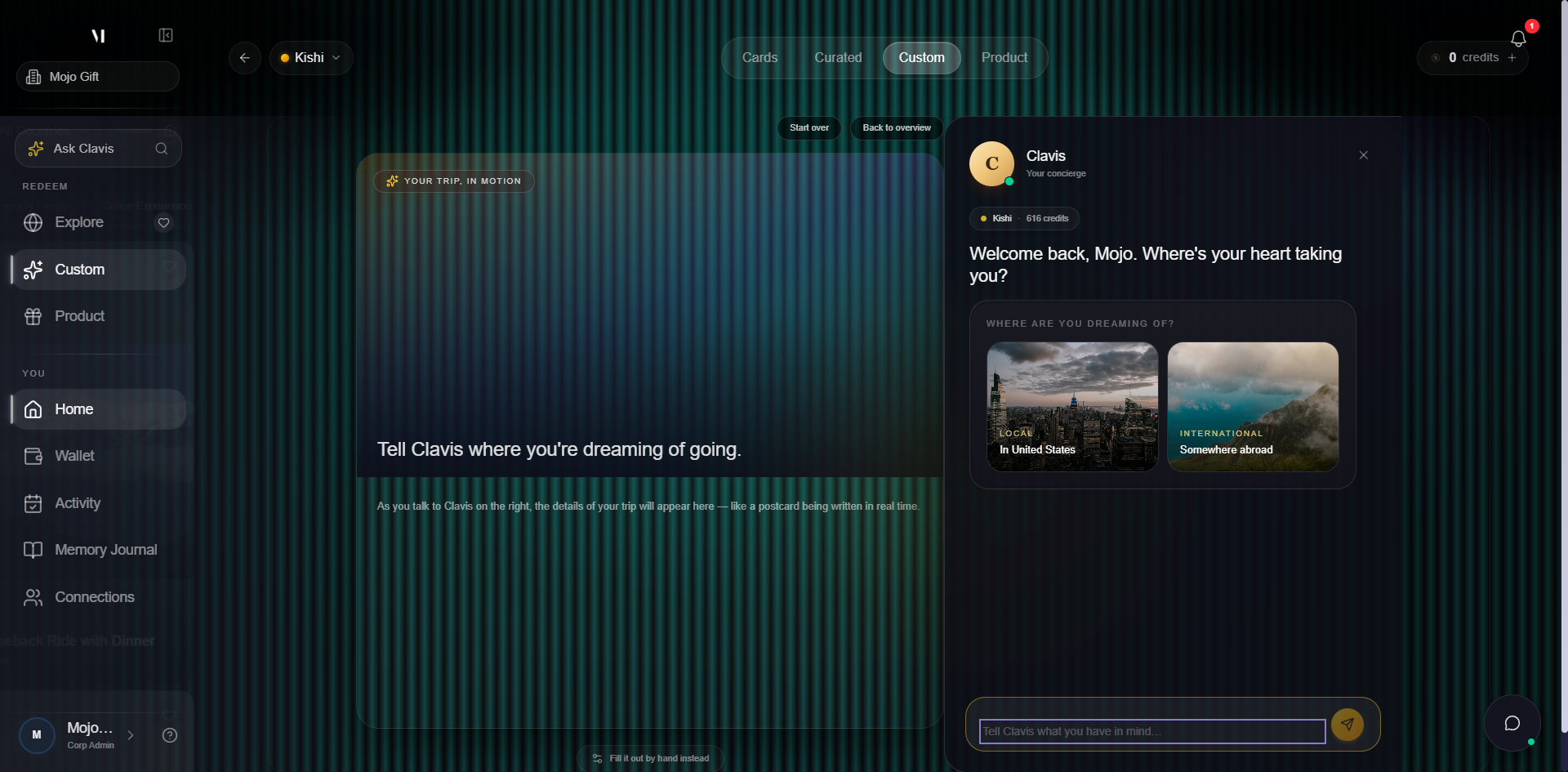
The page is split into two halves:
| Side | What it does |
|---|---|
| Postcard preview (left) | Builds a structured summary of your trip as Clavis confirms each detail — destination, dates, party size, vibe, budget. Empty until you give Clavis something to write down. |
| Clavis chat (right) | The concierge intake. Pre-set starting prompts for common journeys, plus a free-text field for anything else. |
Walk through the intake
- Pick a starting prompt or type freely. The two starter cards (In United Arab Emirates / Somewhere abroad) seed the brief with a destination region. You can also type a free message, e.g. "A long weekend in Lisbon for two" or "A wellness retreat anywhere quiet".
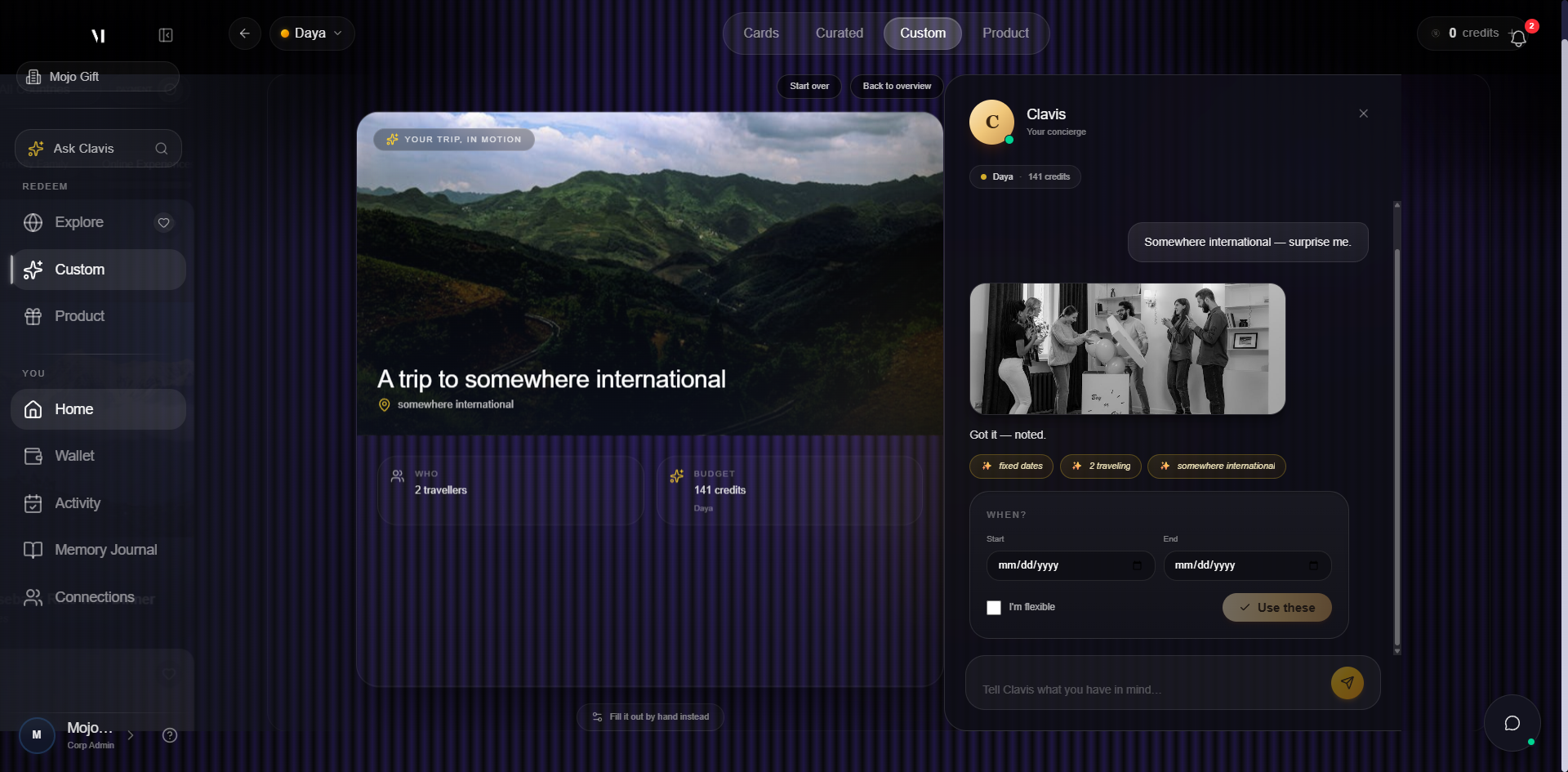
- Answer Clavis's questions. Clavis asks clarifying questions one at a time: dates, who's going, the vibe, must-haves. Each confirmed detail appears on the postcard on the left.
- Review the postcard. When Clavis has enough, the postcard preview holds the full brief. Edit anything by sending a follow-up message.
- Submit the brief. Submitting hands the brief to a human concierge. Your gift card balance and any credits are held against the request once a quote is accepted.
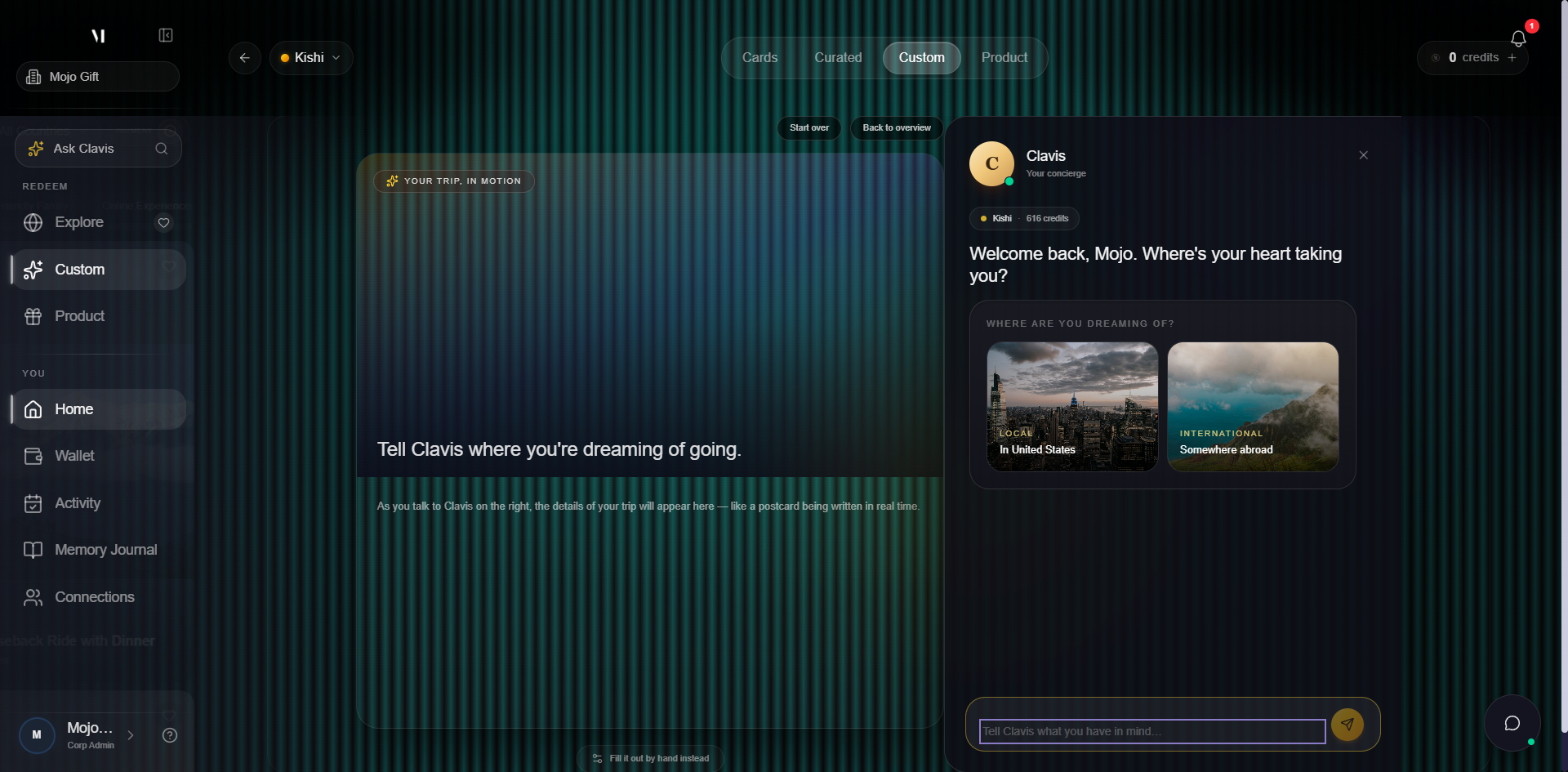
As you progress, the postcard fills in with the structured details Clavis has captured.
What Clavis does and doesn't do
Clavis is the concierge AI that lives across the platform. In Custom Experience it can:
- Ask clarifying questions about destination, dates, party, vibe, must-haves
- Suggest themes or destinations if your description is broad
- Write a structured brief on the postcard so the human concierge has everything they need
Clavis does not:
- Quote prices
- Confirm availability or commit to deliverables
- Send the final itinerary
Quotes and itineraries always come from a human on the concierge team. Treat Clavis as note-taking with you, not a booking engine.
Switching to manual fill
If you'd rather skip the chat and fill a form yourself, the Fill it out by hand instead link at the bottom of the postcard switches to a step-by-step form. The same brief either way; the chat is just one path to it.
Paying for a custom experience
Custom Experience is the most flexible mode for payment. The combinations:
| You have | What you can request |
|---|---|
| Gift card alone | Anything within the tier. Credits not required. |
| Mojo Credits alone | Anything within your credit balance. No gift card needed. |
| Card + credits | Anything within the tier, plus credits to bridge the gap if the scope exceeds the card. |
If your brief implies a budget bigger than your balance, Clavis will flag it before you submit. You can either trim the brief or open a top-up without leaving the page.
Sending the brief
When the postcard has the destination, dates, travelers, mood, and occasion, the Send to concierge button activates at the bottom right of the chat.
After you submit
Once you tap Send to concierge:
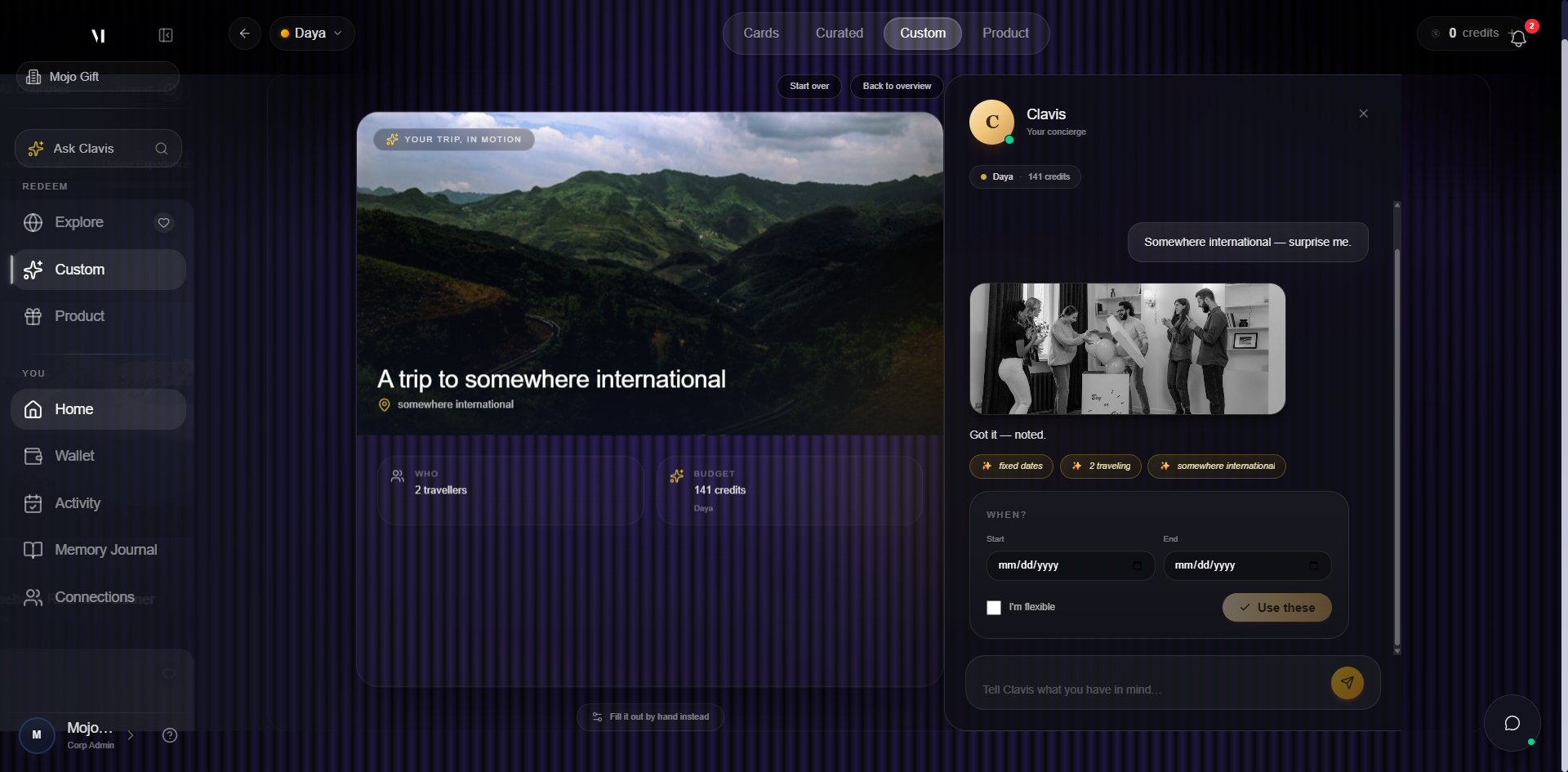
- The page redirects to a Track Your Request view with everything Clavis captured
- The request appears in My Activity under Journeys
- A confirmation lands by email
- A human concierge usually replies within a business day with questions or a first quote
For tracking the conversation after submission, see Tracking bookings.
What's next
- Request a Product is the same idea but for items, not trips.
- Tracking bookings covers what happens after the brief lands with the concierge.
- About Mojo Credits covers how credits stack with a card.