Tracking bookings
Where to find confirmation, dates, and concierge messages.
Updated October 3, 2026
Once you've requested a curated experience, custom journey, or product, the request lives in My Activity. This page covers where to find it, how the filters work, and what each status means.
Where activity lives
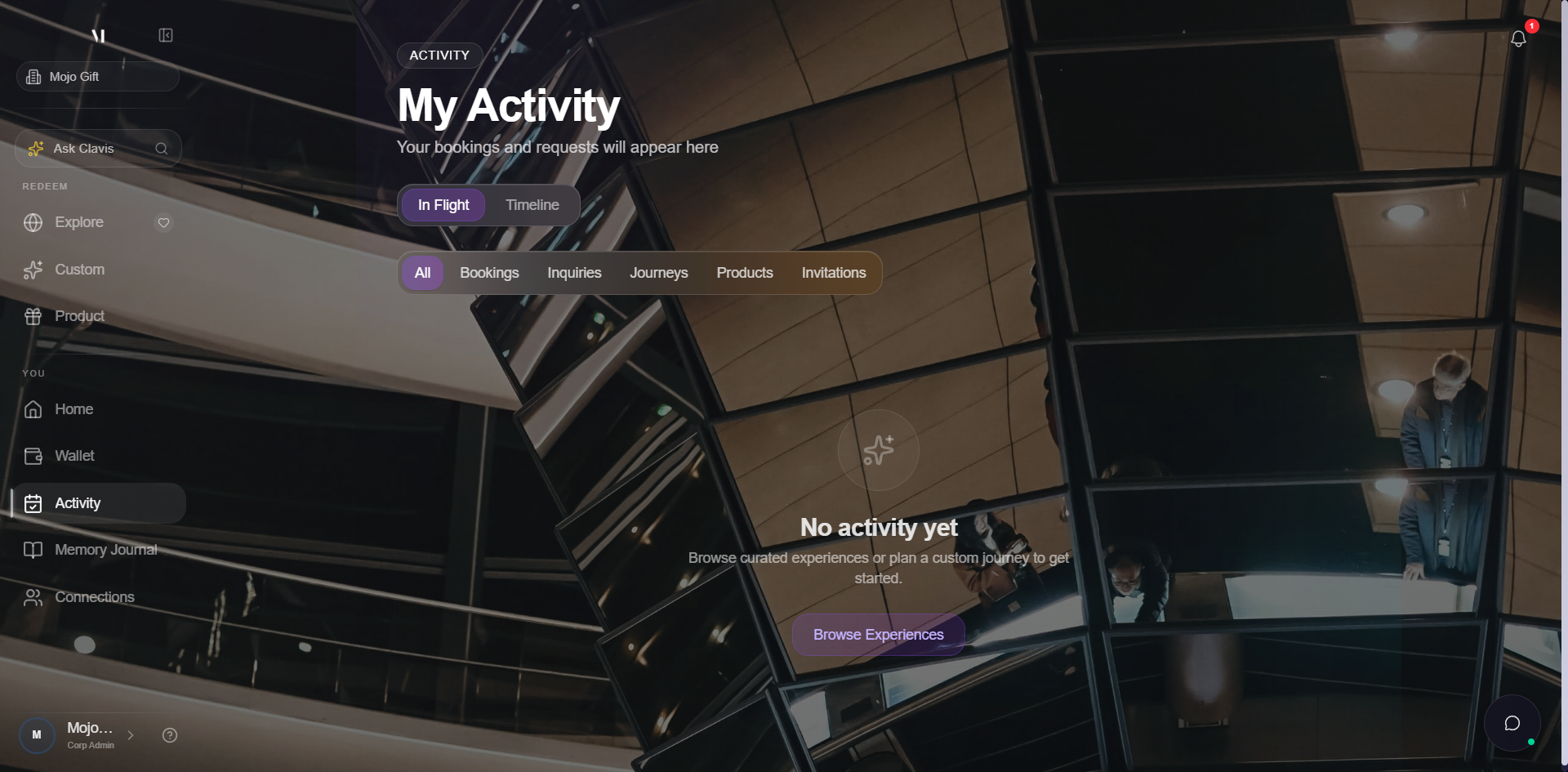
The page lives at /redeem/bookings and is reachable from the Activity link in the sidebar. It collects every active and past request on your account: experience inquiries, custom journeys, product requests, and any invitations sent your way.
Filter chips
The chip row across the top is how you slice the page:
| Chip | What it shows |
|---|---|
| All | Everything across all request types, sorted by most recent. |
| Bookings | Confirmed curated experience bookings. |
| Inquiries | Curated experience requests still in negotiation with the concierge. |
| Journeys | Custom Experience requests. |
| Products | Product requests. |
| Invitations | Pending invitations to join someone else's planning thread. |
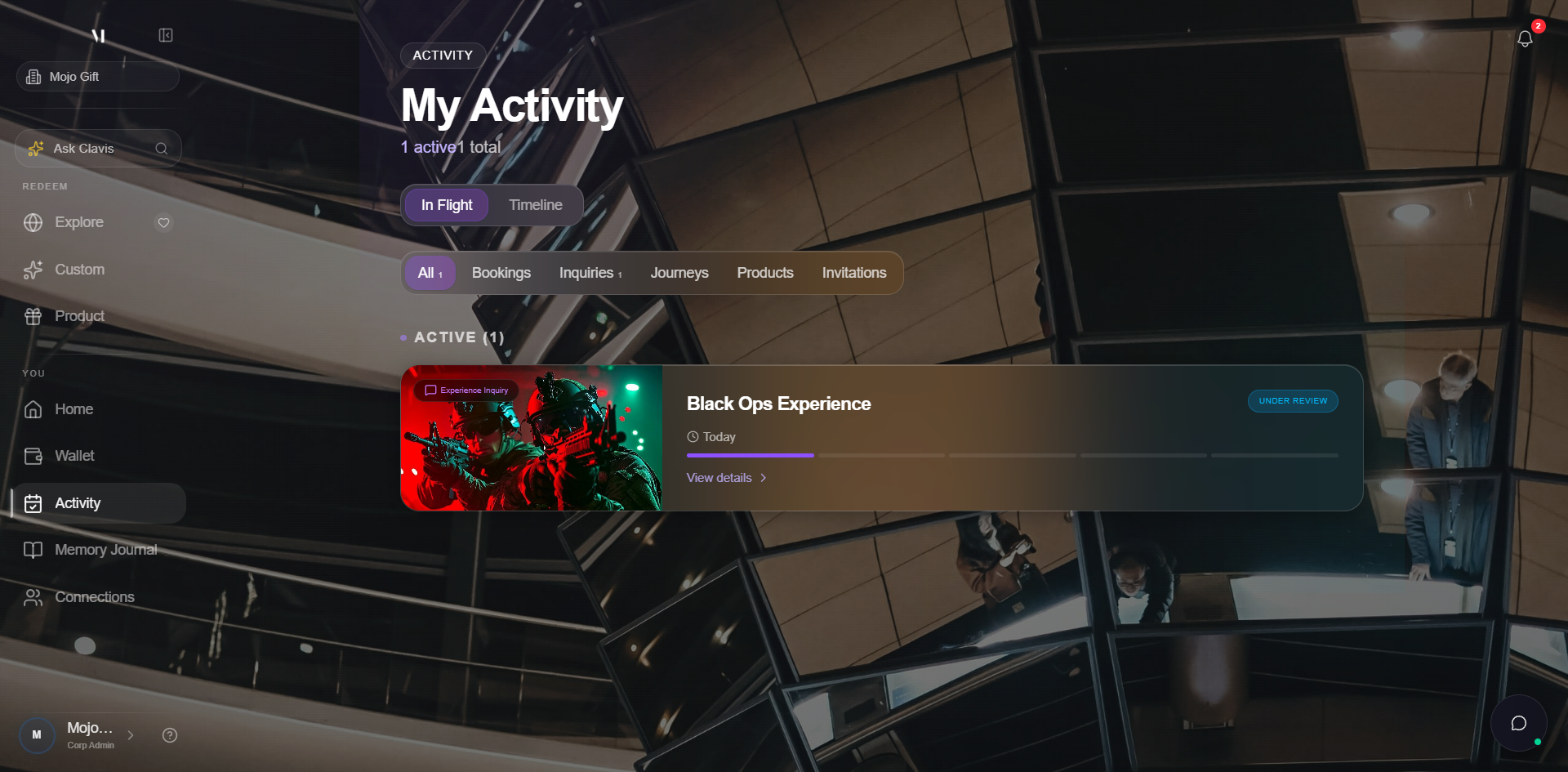
Each card on the list shows the request title, the type, the current status, the latest concierge note, and dates if applicable.
Once you've submitted at least one request, the page populates with one card per request:
What each status means
The exact statuses depend on the request type. Across the board, the meaningful states are:
| Status | What it means |
|---|---|
| Pending | Your brief is in. The concierge is reviewing and reaching out to vendors. No action needed from you. |
| Quoted | A quote is ready and waiting on you. Open the request to accept or ask for changes. |
| Confirmed / Booked | Your booking is locked in. Dates, vendor, and any reservation numbers are in the request. |
| In progress / Sourcing | Used for product requests where the concierge is actively sourcing the item. |
| Completed | The experience or delivery is done. The request stays on the page for history. |
| Cancelled | The request did not go through. Concierge notes explain why. |
Open a request
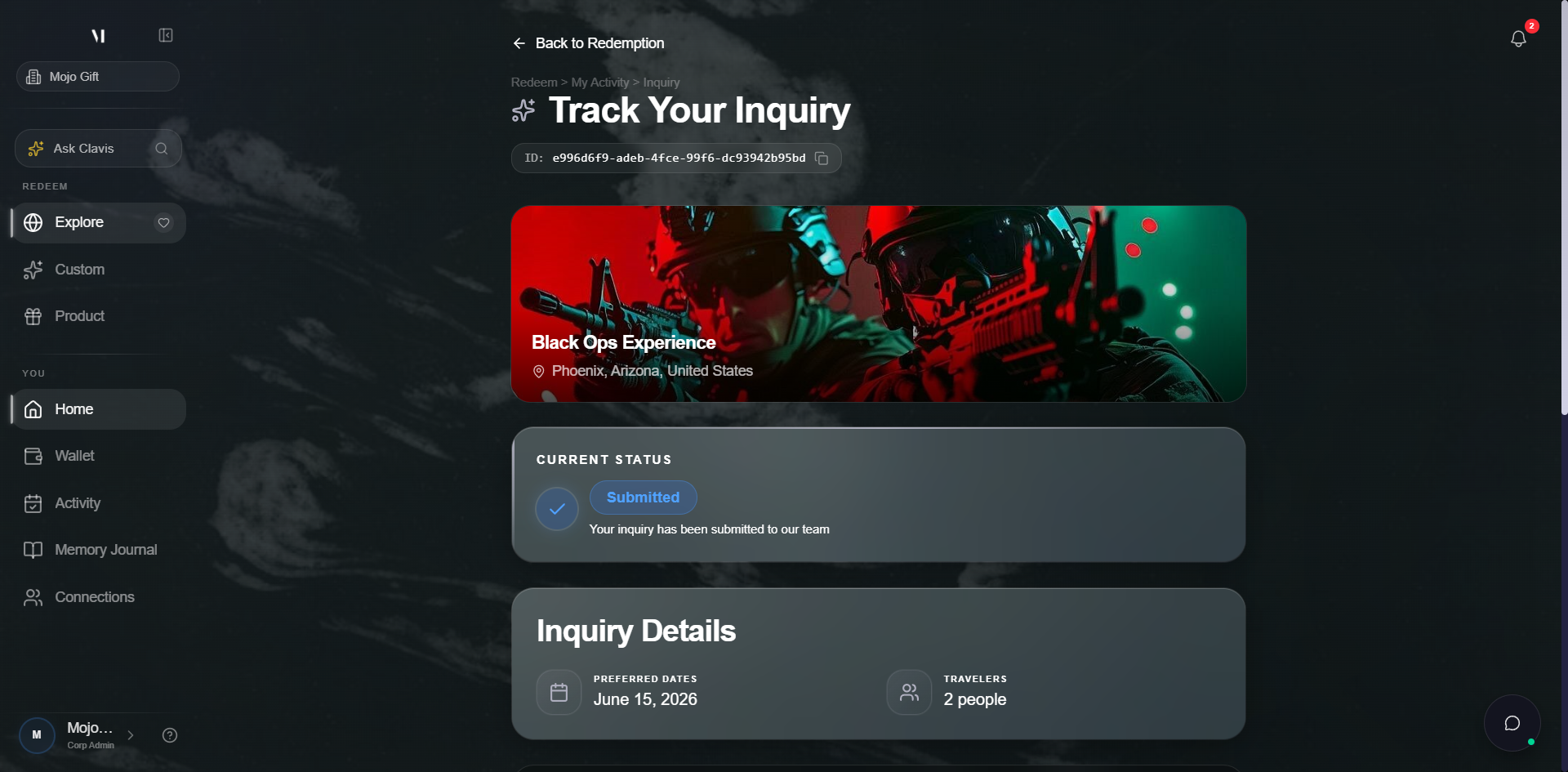
Clicking a card opens its detail page. Each request has its own page with three things in one view:
- Brief: the structured ask (destination, dates, party size, budget — or for products, the title, description, target budget, and references)
- Concierge thread: the running message log between you and the concierge
- Status timeline: a visual track of the steps from Pending through to Completed
For curated bookings, the detail page also shows the venue and any reservation confirmation numbers once the booking is confirmed. For products, it shows expected delivery and tracking once shipped.
Concierge messages
Every request has its own message thread. You'll see questions, quote responses, and confirmation details there. Email notifications fire whenever the concierge posts something, so you don't have to keep checking the portal.
You can reply directly in the thread or by replying to the email — both go to the concierge inbox.
Cancellations and changes
If you need to change a booking, send a message in the request thread. The concierge will let you know what's possible. Some bookings are flexible, others have non-refundable components.
Cancellations follow the venue or vendor's policy; the concierge confirms what's recoverable before the cancellation goes through.
Invitations sub-tab
If someone has invited you to join their planning thread, the invitation appears under the Invitations chip. Accepting brings you into their thread as a participant. See Inquiry invitations for the full flow.
What's next
- Inquiry invitations covers what happens when someone invites you to a thread.
- Getting help covers how to reach a human when something is off.